
TNOU Profile Correction: What Can Be Changed and How
Tamil Nadu Open University (TNOU) allows distance learners to request profile modifications such as changes to their name, programme, medium, language, specialization, address, and contact number. Profile correction requests are managed by the Admission Section and can be submitted online through the student portal grievance system or in person at the university headquarters Help Desk.
Key facts
| Eligible Profile Changes | Name, Programme, Medium, Language, Specialization, Address, Contact Number |
|---|---|
| Responsible Division | Director (i/c) Admission Section |
| Admission Phone Numbers | 044-24306663 / 044-24306664 |
| Admission Email | admission@tnou.ac.in |
| Portal Login ID | Student Enrollment Number |
| Default Portal Password | Date of Birth in DDMMYYYY format |
Profile Corrections Allowed by TNOU
Students enrolled at TNOU can request updates or updates to several personal and academic profile attributes recorded during admission.
- Change of Name
- Change of Programme
- Change of Medium of instruction
- Change of Language
- Change of Specialization
- Change of Address
- Change of Contact Number
How to Log In and Submit a Profile Correction Request
Profile corrections and grievances can be submitted online through the university portal or physically at the headquarters. TNOU has not published specific correction fees or standard processing timelines on its site as of 02 October 2026.
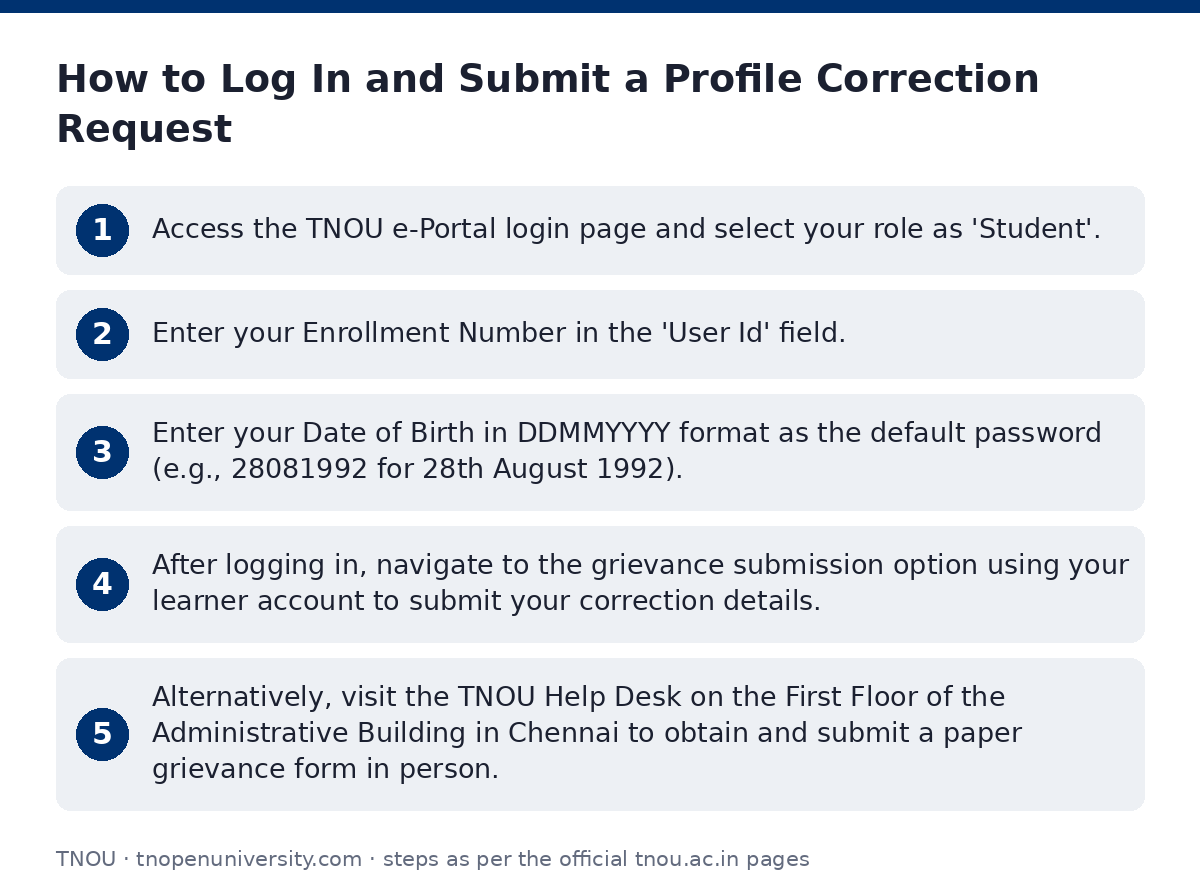
- Access the TNOU e-Portal login page and select your role as ‘Student’.
- Enter your Enrollment Number in the ‘User Id’ field.
- Enter your Date of Birth in DDMMYYYY format as the default password (e.g., 28081992 for 28th August 1992).
- After logging in, navigate to the grievance submission option using your learner account to submit your correction details.
- Alternatively, visit the TNOU Help Desk on the First Floor of the Administrative Building in Chennai to obtain and submit a paper grievance form in person.
Contact Details for Profile Corrections
To follow up on submitted requests or enquire about required documentation for profile updates, contact the responsible university divisions listed in the Whom To Contact directory.
TNOU Profile Correction Contact Points
| Division / Official | Contact Number | Email ID |
|---|---|---|
| Director (i/c) Admission Section | 044-24306663 / 044-24306664 / 9345913378 | admission@tnou.ac.in / directoradmissiontnou@gmail.com |
| Coordinator, Student’s Grievance Redressal Cell | +91 9345913384 | grievancecell@tnou.ac.in |
| Admission Reception Counter (Help Desk) | 9345913378 | tnouadmission@gmail.com |
Important TNOU links
| What you can do | Official page |
|---|---|
| Log in to student e-Portal | tnouportal.in/ |
| View TNOU Help Desk information | tnou.ac.in/Help-Desk.php |
| Check TNOU staff contact directory | tnou.ac.in/WhomContact.php |
| View student grievances portal details | tnou.ac.in/Studentgrievances.php |
| Access grievance login page | tnouportal.in/grievancelogin.aspx |
Official documents (PDF)
- Instructions for TNOU e-Portal Login Process PDF — Instructions and guidelines for logging into TNOU e-Portal
- Instruction for E-Portal Login Process PDF — e-Portal student login instructions PDF
Frequently asked questions
What personal and academic details can be changed in the TNOU student profile?
Students can request changes to their Name, Programme, Medium, Language, Specialization, Address, and Contact Number through the Admission Section.
Which section at TNOU handles profile correction requests?
Profile updates and corrections are handled by the Director (i/c) Admission Section.
How do I log in to the TNOU student portal for the first time?
Select ‘Student’ as your role, enter your enrollment number as the User ID, and use your date of birth in DDMMYYYY format as the default password.
How can I lodge a profile correction request offline?
Visit the Information Centre/Help Desk on the first floor of the Administrative Building at TNOU Headquarters in Saidapet, Chennai, fill out a paper grievance form, and submit it to the staff.
What email address should I use for admission profile corrections?
You can send queries regarding profile updates to admission@tnou.ac.in or directoradmissiontnou@gmail.com.
Who do I contact if I face technical issues logging into the e-Portal?
You can reach out to TNOU via WhatsApp at 9345913378 or send an email to admission@tnou.ac.in.
Sources
Written from the official TNOU pages and documents below, as read on 2 October 2026.
- TNOU | Portal tnouportal.in
- Help Desk tnou.ac.in/…/Help-Desk.php
- Whom To Contact tnou.ac.in/…/WhomContact.php
- Instructions for TNOU e-Portal Login Process tnou.ac.in/…/e-Portal-Login-Instruction.pdf
- Student Support and Progression tnou.ac.in/…/studentsupport.php