
Check Enrollment Number at TNOU: Student Portal Login and Password Reset
TNOU students use their enrolment number as their User ID and their date of birth in DDMMYYYY format as their default password to log into the TNOU e-portal.
- TNOU students log into the e-portal using their enrolment number as the User ID.
- The default password for TNOU e-portal login is the student date of birth formatted as DDMMYYYY.
- Students can reset forgotten passwords using their enrolment number and registered mobile number.
- For enrolment or identity card issues, students can contact the TNOU Admission Section.
Page contents
- How do students log into the TNOU e-portal using their enrolment number?
- How do students reset a forgotten TNOU e-portal password?
- Whom should students contact for TNOU enrolment number and ID card queries?
- What support options exist for TNOU e-portal login issues?
- Important TNOU links
- Official TNOU PDFs
- TNOU FAQs
- More on Student Services
Quick reference
| e-Portal User ID | TNOU Enrolment Number |
|---|---|
| Default e-Portal Password | Date of Birth (DDMMYYYY) |
| e-Portal WhatsApp Support | 9345913378 |
| Admission Office Email | admission@tnou.ac.in |
| Help Desk Working Hours | 8.00 a.m. to 8.00 p.m. (Working Days) |
How do students log into the TNOU e-portal using their enrolment number?
TNOU students log into the TNOU e-portal by entering their enrolment number as the User ID.
Detailed login steps are available in the TNOU login instruction document.
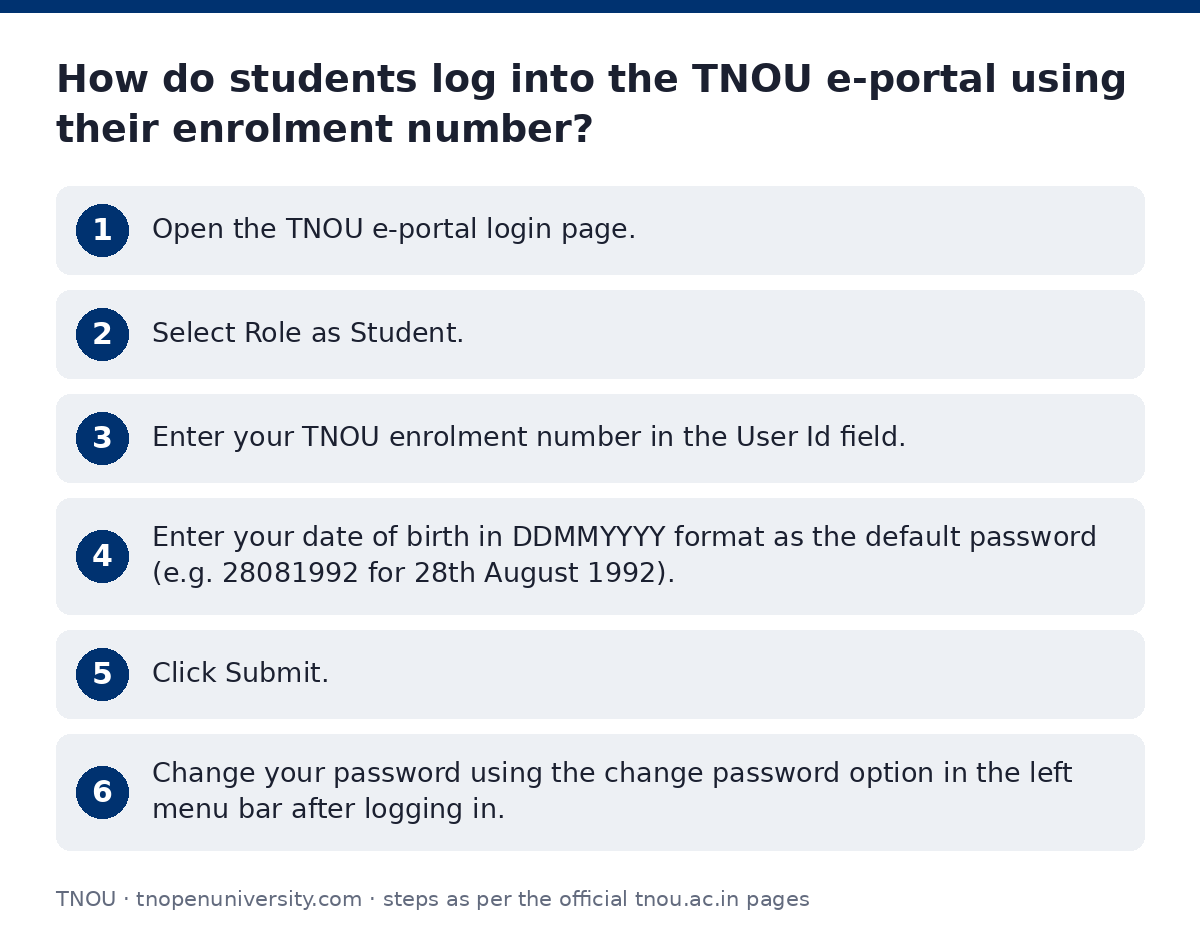
- Open the TNOU e-portal login page.
- Select Role as Student.
- Enter your TNOU enrolment number in the User Id field.
- Enter your date of birth in DDMMYYYY format as the default password (e.g. 28081992 for 28th August 1992).
- Click Submit.
- Change your password using the change password option in the left menu bar after logging in.
How do students reset a forgotten TNOU e-portal password?
TNOU students can reset a forgotten TNOU e-portal password on the password recovery portal.
- Open the TNOU forgot password portal.
- Enter your TNOU User ID (enrolment number).
- Enter your registered mobile number.
- Click Submit to request a new password.
Whom should students contact for TNOU enrolment number and ID card queries?
Students seeking help with a TNOU enrolment number or identity card can contact the TNOU Admission Section.
Further contact details are published on the TNOU contact directory page.
TNOU Admission and Identity Card Contacts
| Division / Staff | Issues Handled | Contact Number | Email ID |
|---|---|---|---|
| Admission Section | Admission, ID Card, Duplicate ID | 044-24306663 / 044-24306664 | admission@tnou.ac.in |
| Admission Reception Counter | General admission support | 9345913378 | tnouadmission@gmail.com |
| Director of Admission | Admission section head | +91 9345913378 | directoradmissiontnou@gmail.com |
| Student Grievance Redressal Cell | Grievances resolution | +91 9345913384 | grievancecell@tnou.ac.in |
What support options exist for TNOU e-portal login issues?
TNOU provides login troubleshooting assistance through WhatsApp, email, and the campus help desk.
Additional service details can be found on the TNOU help desk page.
- WhatsApp assistance is available at 9345913378 for TNOU login problems.
- Email support is available at admission@tnou.ac.in.
- In-person help is offered at the TNOU Information Centre, First Floor, Administrative Building, Saidapet, Chennai from 8.00 a.m. to 8.00 p.m. on working days.
Important TNOU links
| What you can do | Official page |
|---|---|
| Log into TNOU student portal | tnouportal.in/ |
| Access TNOU learner services portal | tnou.ac.in/LearnerCorner.php |
| Reset forgotten TNOU e-portal password | tnouportal.in/ForgotPassword.aspx |
| View TNOU help desk details | tnou.ac.in/Help-Desk.php |
| View TNOU officer contact numbers | tnou.ac.in/WhomContact.php |
Official TNOU PDFs
- Instructions for TNOU e-Portal Login Process PDF — Steps for logging into the TNOU e-portal
- Instruction for E-Portal Login Process PDF — Instructions for TNOU portal login process
TNOU FAQs
How do I log into the TNOU student portal?
TNOU students log into the e-portal using their enrolment number as the User ID. The default password is your date of birth in DDMMYYYY format.
What is the default password for TNOU e-portal login?
The default password for TNOU e-portal login is your date of birth written as DDMMYYYY. For example, if your birth date is 28th August 1992, your password is 28081992.
How can I reset my TNOU e-portal password?
You can reset your password on the forgot password page by entering your User ID (enrolment number) and registered mobile number. Click Submit to generate a new password.
Whom should I contact if I face TNOU login issues?
You can contact TNOU via WhatsApp at 9345913378 or email admission@tnou.ac.in. You can also visit the Help Desk in Saidapet, Chennai on working days.
Which TNOU department handles identity cards and duplicate ID requests?
The TNOU Admission Section handles identity cards and duplicate ID requests. You can call 044-24306663 or email admission@tnou.ac.in.
What are the TNOU Help Desk working hours?
The TNOU Help Desk operates from 8.00 a.m. to 8.00 p.m. on all working days. It is located on the first floor of the Administrative Building in Saidapet, Chennai.